About
I got the idea for Text Styles™ when I was an undergraduate studying Computer Science to earn my BS. I was taking a lot of notes on coding and programming in Google Docs™, which led to a problem. Especially when ‘code’ stuff was embedded within my plain English ‘notes’ stuff, it became hard to tell what was actual code and what was English. I started reformatting my ‘code’ to have a different font and look than my ‘English’, but because of the amount of notes I was taking, that slowly got more and more frustrating and took more and more of my time. I knew there had to be a better way.
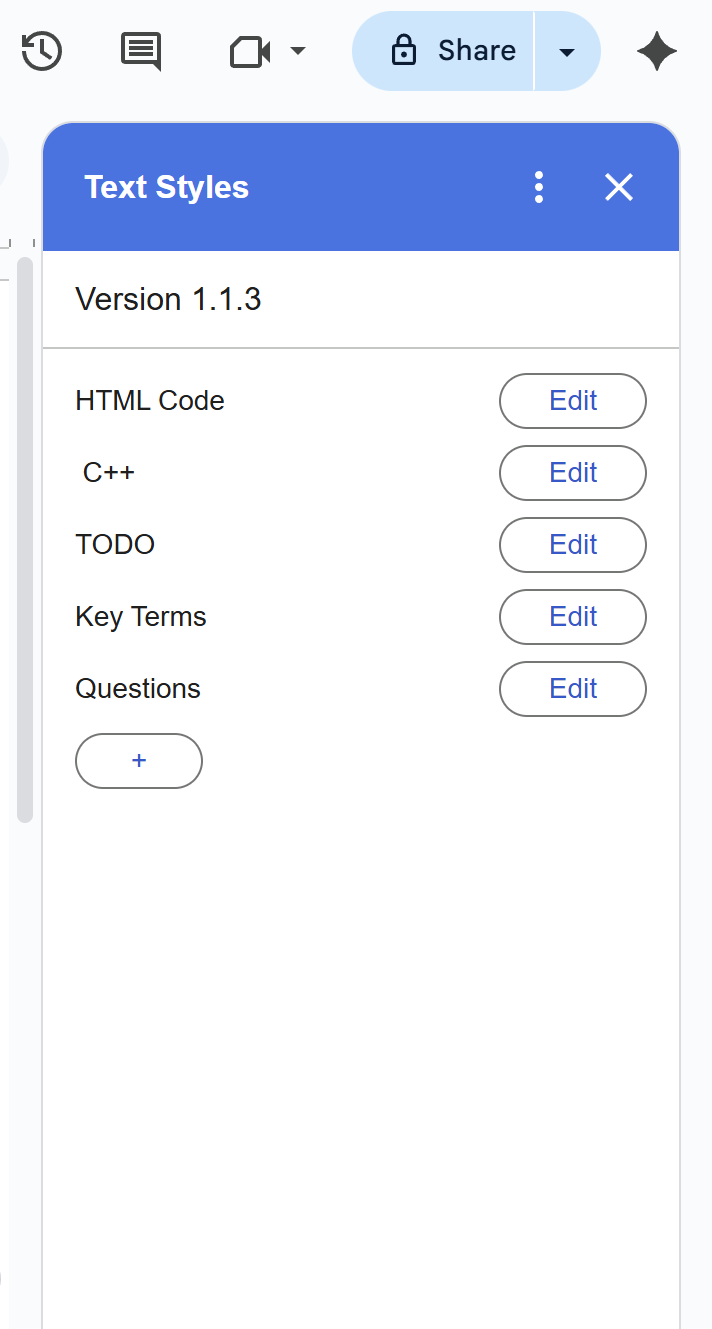
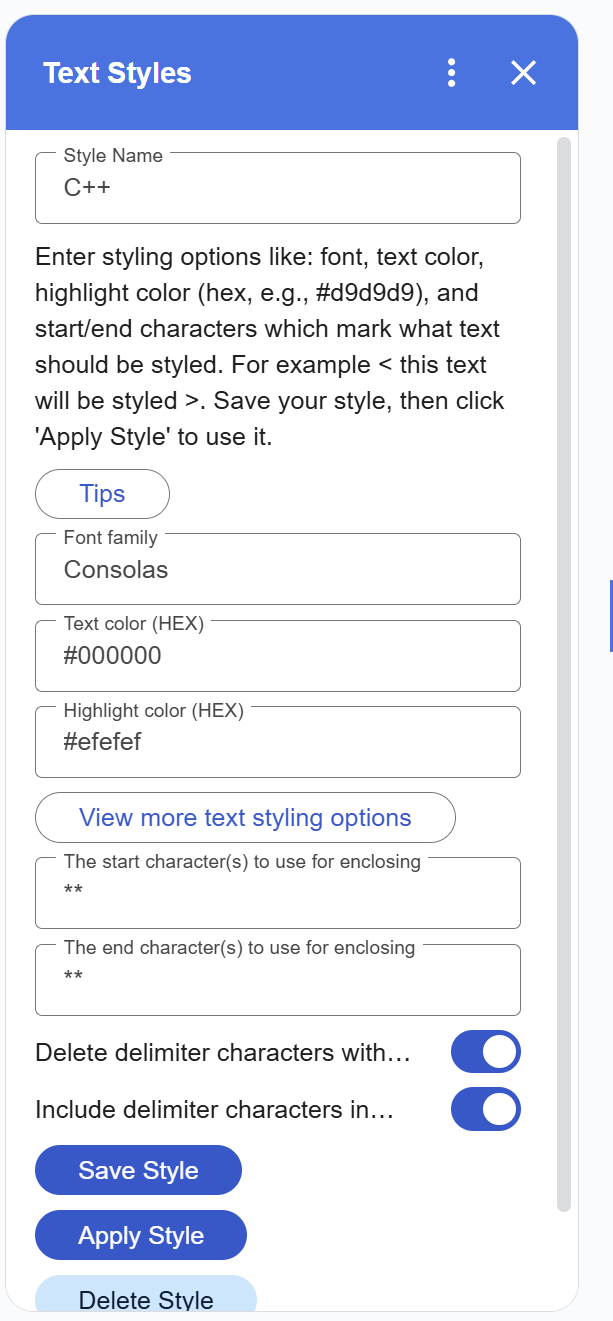
That’s where Text Styles™ comes in. Text Styles™ is an all-purpose Google Docs™ markdown add-on that allows you to create your own custom style markdowns and save them for later use. For example, you could create a style called “Code” with the font set to “Consolas”, the highlight color set to “#efefef” (which is light gray), and use the less-than character “<” as your starting marker and the greater-than character “>” as your ending marker. You can also optionally have the program delete the markers after running. Then you just write your notes like normal, except you can talk about how to print stuff in Python like <print(“Hello World”)> or in Java like <System.out.println(“Hello World”)> which are quite different. When you’re finished, simply pull up Text Styles™ and hit Apply Style. You’ll end up with notes that look like: you can talk about how to print stuff in Python like print(“Hello World”) or in Java like System.out.println(“Hello World”) which are quite different.
However, Text Styles™ isn’t just useful to people taking notes on coding; it can be used by everyone for anything. Here are more examples of different ways you can find this add-on useful:
Academic Notes & Study Guides
Students can create styles for definitions, formulas, or important names. For example, always bold key terms like osmosis or highlight math formulas like E = mc^2. That way, review notes stay consistent and easy to skim.
Drafting A Story?
Make custom styles for character dialogue, narration, or editor’s notes. For instance, use markers like {} around character names while typing and instantly apply italics or boldness when done.
Teaching & Instructing
Educators can standardize lesson materials by creating reusable styles for assignments, discussion questions, or important reminders. Instead of manually reformatting each time, they just drop in markers like Q[What is photosynthesis?] --> What is photosynthesis?
Researching
While writing papers, researchers often annotate text with highlights, keywords, or citations. With Text Styles™, they could mark references like <[Smith 2023]> and have them instantly formatted in a consistent way.
Business Professionals
In meeting notes or proposals, someone could use styles to highlight action items, deadlines, or decisions. For example, typing TODO[item here] could automatically turn into bold red text that’s easy to spot later: Schedule meeting with clients.
Infinite Possibilities
These are just a few of the many different ways you can use Text Styles™ in Google Docs™. One of the best parts about this add-on is that it's so customizable. The only limit is your imagination!